FactSet, S&P and LSEG All Have AI Now. Here Is Where Surge Fits.
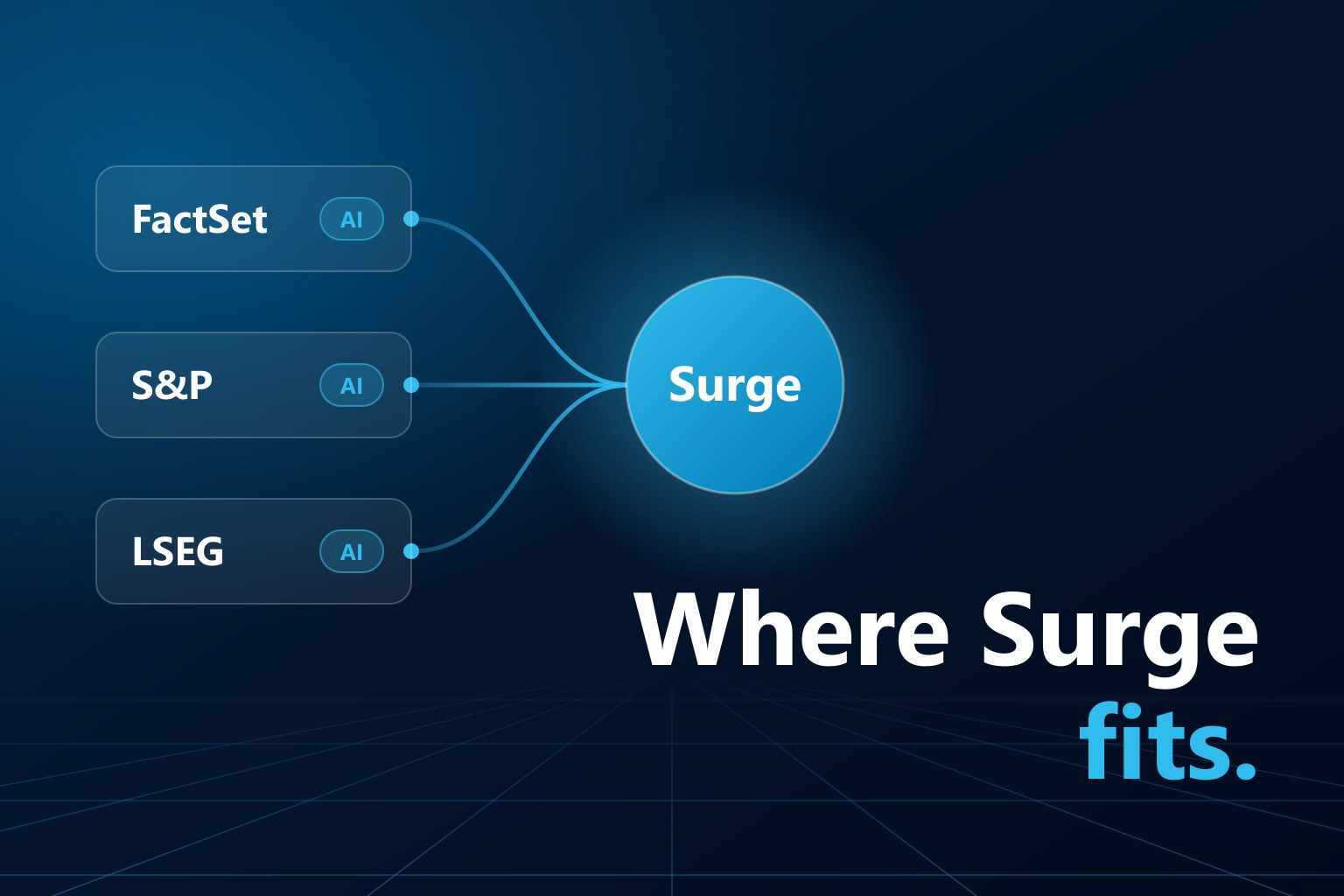
FactSet, S&P Global and LSEG have each released an MCP server over the past eighteen months. Connect one to Claude, ChatGPT or Copilot and the assistant can pull that vendor’s data straight into the conversation. Our customers license data from all three, so the question we hear most is a fair one: if the vendors already have MCP servers, what is Surge for?
The short answer is that they solve different problems. A vendor’s AI answers questions about companies using that vendor’s data. Surge builds the processes your firm runs on third-party data: research, screens, attribution, and the recurring jobs that feed them. It works across every vendor you license, on whole universes, inside your own Snowflake account, and what it builds stays there as something you own.
This post lays out the comparison as we understand it from each vendor’s public documentation in November 2026. These products change quickly, so check the vendor’s own pages before relying on any single detail.
What the vendor servers do well
FactSet offers the broadest tool set of the three: 23 tools covering fundamentals, consensus estimates, prices, ownership, M&A, private companies, fixed income, macro data, and searchable transcripts, filings and news. It includes company and fund screeners and a library of more than 2,000 prebuilt quantitative factors, and most tools attach audit links back to the source.
S&P Global delivers Capital IQ data through Kensho’s LLM-ready API: financial statements, prices, estimates, earnings call transcripts, credit ratings, transactions and business relationships. It also publishes ready-made skills for tearsheets, earnings previews and industry transaction summaries.
LSEG started from its Financial Analytics platform, so its strength today is pricing and analytics: bonds, yield curves, FX, interest rate swaps, volatility surfaces and Reuters news, alongside company fundamentals and estimates. Its FAQ lists equity historical pricing, ownership and transcripts as roadmap items.
All three are hosted by the vendor, sign in with your existing entitlements, and connect to most major AI assistants with a URL. If you want a company’s margins, the latest consensus, a bond’s yield or what management said on the last call, these servers are the fastest way to get it.
Side by side
| Vendor MCP servers | MDO Surge | |
|---|---|---|
| Data covered | That vendor’s own data | Every feed you license through MDO: LSEG, S&P, FactSet, OptionMetrics and others |
| Typical request | A company, a list of companies, or a screen | A universe through time: index constituents, items and dates as one panel |
| Where the work happens | The vendor’s servers | Your Snowflake account, next to your data |
| What you get back | An answer in the conversation | Result rows, the code that produced them, and optionally a stored formula and stored output |
| Research handling | Varies by tool | Point-in-time logic, date alignment and currency translation built into MDO |
| Putting it into production | Automation runs through the vendor’s APIs, on the vendor’s platform | Publish the workflow as a custom formula and schedule it as a Snowflake Task in your own account, so it refreshes on your timetable with no AI in the loop |
| Setup | A URL and a sign-in | A one-time install by your Snowflake administrator |
Where Surge is different
One request, every vendor
A vendor’s server can only see that vendor’s data. A factor that combines Worldscope fundamentals with I/B/E/S estimates, or a comparison of the same measure across two providers, needs something that sits above all of them. Surge works from one catalog that covers every feed you license, and it only suggests items you are entitled to.
Universes, not single names
The vendor servers are designed around the company lookup. S&P’s documentation says so directly: “Queries require specific company names.” FactSet goes furthest with its screeners and benchmark constituents, but the shape of the result is still an answer delivered into a chat window.
Quantitative research has a different shape. You want the Russell 3000 as it stood at each month-end for fifteen years, with a dozen items attached to every constituent, lagged correctly. That is tens of thousands to millions of rows, and it is not something to pass through an assistant’s context window. Surge writes the mdosnow code for that panel and, with code execution enabled, runs it in your account and returns the rows.
The work stays in your account
Surge is a Snowflake Native App. The agent, the catalog search and the code execution all run inside your Snowflake account under each user’s own access controls. Your portfolios, your proprietary signals and your custom data sit next to the vendor data and can be used in the same request without leaving your perimeter.
It leaves something behind
A vendor server returns an answer. When the conversation ends, so does the work.
Surge can take a calculation the rest of the way. Once a factor is right, it can be published as a custom formula, its output loaded and stored, and the stored data read back later by anyone with access. From there, one line of mdosnow schedules that formula as a Snowflake Task in your account, and it refreshes nightly, weekly or on whatever timetable you set. The result is a production process your team owns, not a transcript.
Reproducible where it matters
Surge is an AI agent, and like any agent it can phrase the same request two different ways on two different days. What does not vary is what runs underneath. The code calls the mdosnow API, which handles point-in-time logic, date alignment, currency translation and vendor normalization the same way every time, and every line is there for you to read. Publish that code as a formula and it produces the same output tomorrow that it produced today.
What about the vendors’ own AI agents?
MCP servers are not the only AI the vendors offer. Each one also has assistants built into its own product:
- FactSet has Mercury AI Chat in the FactSet Workstation, agentic workflows under the FactSet Intelligence name, and an agent marketplace it has said clients will be able to publish to.
- S&P Global has ChatIQ in Capital IQ Pro, which answers questions across financials, filings, transcripts and news, builds Excel models, and drafts slides.
- LSEG has AI Search, a Deep Research agent and a Company Intelligence agent in Workspace and Microsoft Teams.
These are real products that return real figures and finished documents. They serve the analyst at the desktop, working with the content that vendor hosts on its own platform.
Surge serves a different place in the firm: the data feeds delivered into your own Snowflake account, where they sit beside your portfolios, your custom data and the feeds from your other vendors.
The other difference is what is left when the question has been answered. MDO turns a research request into stored, point-in-time code that reruns identically without the AI. The vendor agents answer the question again each time.
If you would like to see Surge run on your own data, schedule a walkthrough.
Sources
Vendor details in this post come from each vendor’s public pages, read in November 2026.